Manga Style MV Maker
Manga Style MV Maker
Upload your character art and give your OC an anime-opening moment with bold ink, striking poses, and quick cuts.
Manga Style MV Maker
How to Make a Manga Style MV
Start with the character art you already have.
Upload Your Character Image
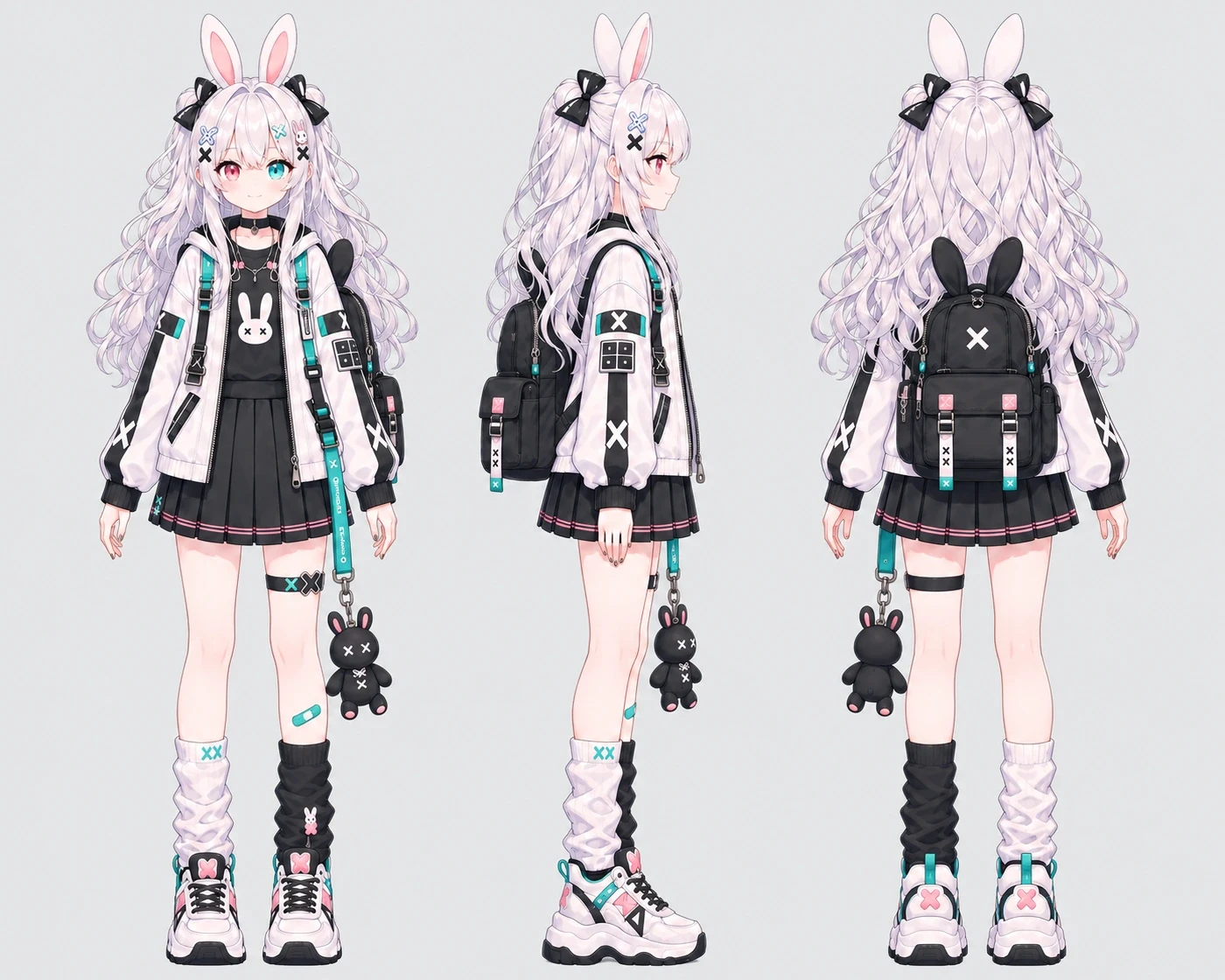
Choose an image that clearly shows your character’s face, hairstyle, and signature details.
Choose Your Video Settings
Set the aspect ratio for where you plan to use the clip. Choose a resolution and how many versions you want to generate.
Generate and Preview
Generate your video, then preview the result and download the version you want to use.
What Gives Your Video Its Manga Look?
Think of an anime opening drawn in ink, with your character in the lead.
Bold Ink and an Accent Color
High-contrast linework and halftone shading give the clip a printed manga feel. A pop of color draws the eye to details in the scene.
Panel Cuts With Music Video Pacing
Quick cuts jump from close-ups to wider poses, while speed lines and panel transitions carry the motion into the next shot.
Your Character in the Lead
The effect uses your character art as a reference, so details like a signature hairstyle or jacket can help your OC stand out from shot to shot.
Give Your OC a Scene Worth Sharing
Introduce a New OC
Lead with a close-up or a signature pose in your character reveal. Still designing your lead? Start with the OC Maker.
Tease the Next Chapter
Build anticipation for a new outfit, a rival’s entrance, or the next chapter of your OC’s story with a short manga-style video.
Share a Character Edit
Give an illustration from your gallery a second life as an animated OC edit for a social post or character showcase.
More Effects for Your Character
Manga Style MV FAQs
See what the effect creates and how to choose a reference image.