Take My Hand Video Effect
Take My Hand Video Effect
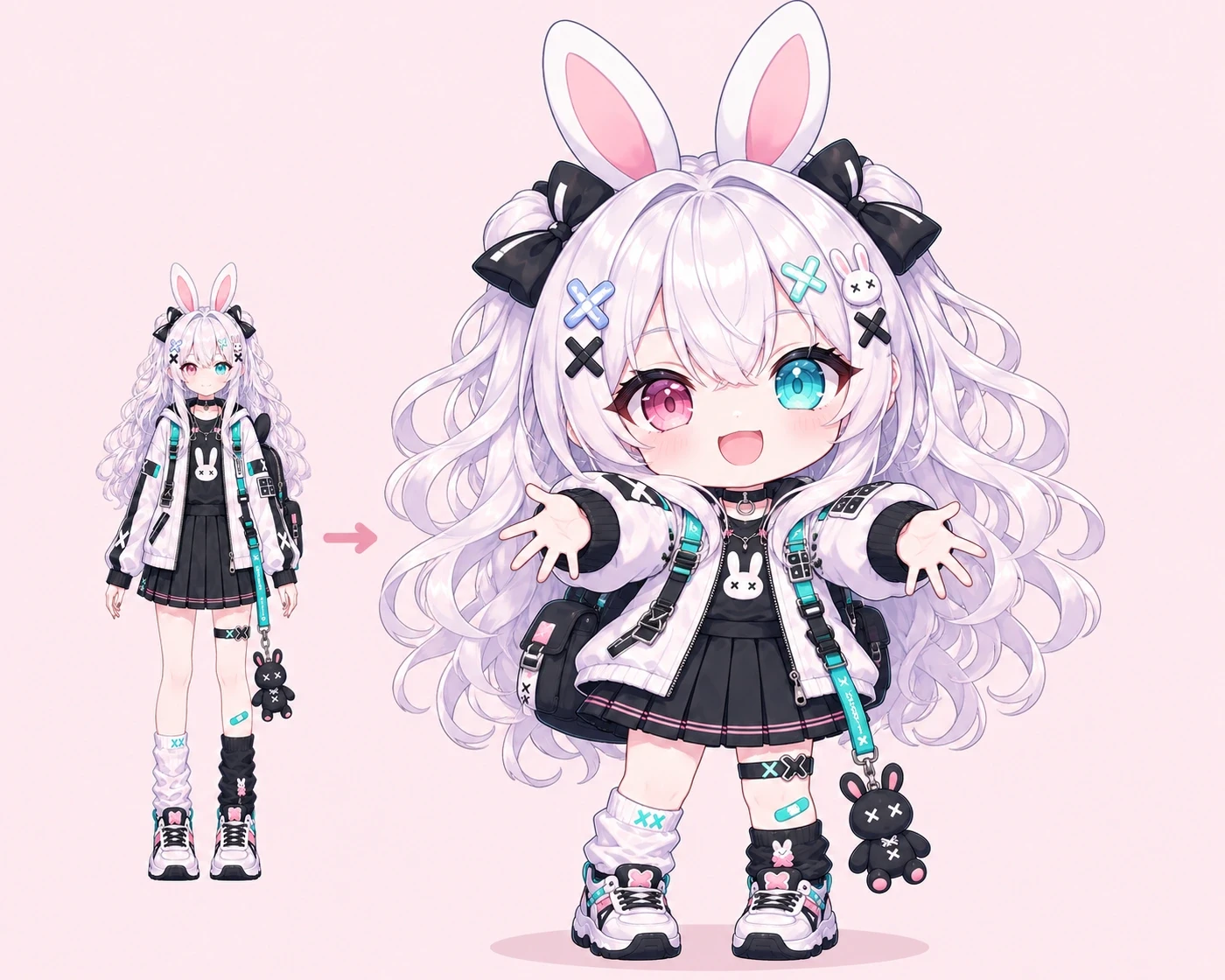
Upload your OC art and watch your character reach toward the camera, inviting you to take their hand.
Take My Hand Video Effect
What Is the Take My Hand Video Effect?
Take My Hand turns a still character image into a short video where your character reaches out and invites the viewer to take their hand. Use it to introduce your OC, bring a reunion scene to life, or open a fan edit.
How to Make a Take My Hand Video
Start with a still image of the character you want to animate.
Upload Your Character Art
Choose an OC illustration or anime character portrait with a clear view of the face and upper body.
Create Your Video
Set the aspect ratio, video resolution, and number of clips you want. The reach and camera movement are built into the effect, so you can go straight to creating.
Preview and Download
Play the result to see how the gesture reads, then download the clip you want to use.
Ways to Use the Take My Hand Effect
Use the same simple gesture to introduce a character, build a scene, or open an edit.
Introduce Your OC
Let your character greet the viewer with a smile and an outstretched hand. Need a character to start with? Design one with Oriwake’s OC Maker.
Give a Story Scene a Personal Moment
Use the hand offer as a quiet beat in a reunion or as the moment your character invites someone to come along.
Open a Fan Edit with a POV Shot
Start your edit with your character reaching toward the viewer. Cut from the offered hand into the next shot.