Character Info Sheet Maker
Character Info Sheet Maker
Upload your OC art and add the details you want people to know. Get a shareable image that introduces your character.

Character Info Sheet Maker

What Is a Character Info Sheet Maker?
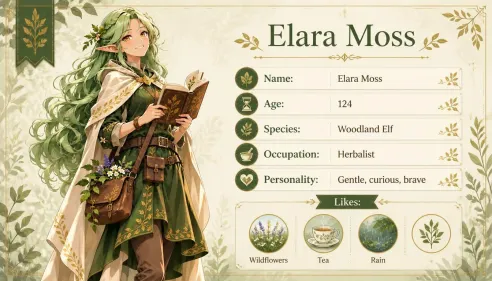
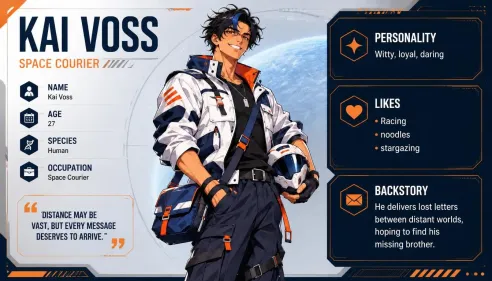
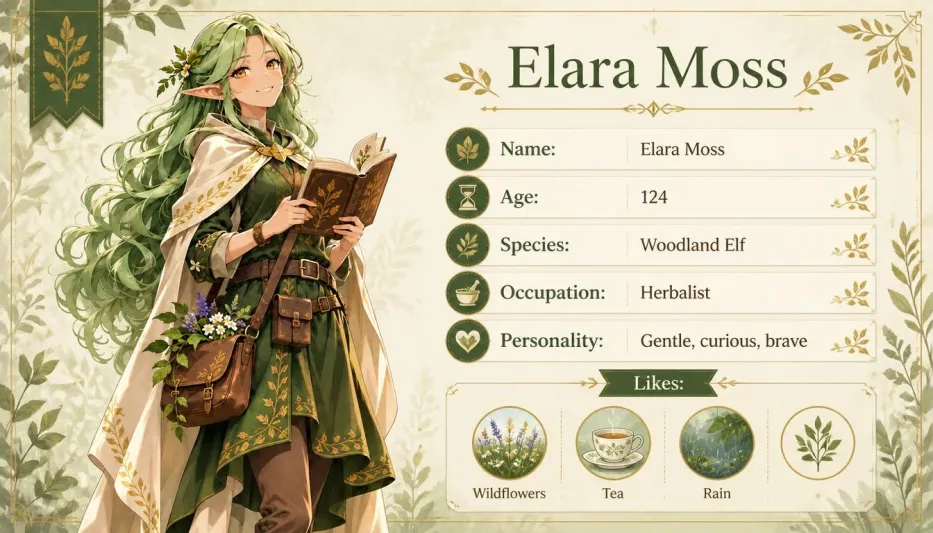
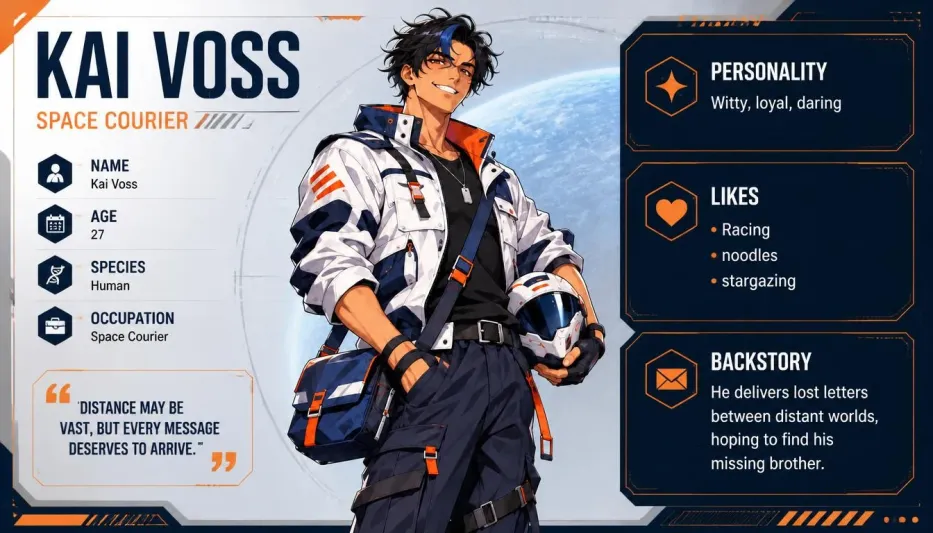
What Is a Character Info Sheet Maker? A character info sheet maker turns your original character’s artwork and details into a shareable profile image. With Oriwake, you can upload an image of your OC and add their name, role, personality, or favorite things. Use the finished sheet to introduce your character, keep track of your story’s cast, or brief an artist for a commission.
If you’re starting from an idea, create your character with Oriwake’s OC Maker, then use the artwork to make your character info sheet.
How to Make a Character Info Sheet
Start with your artwork and decide what you want the sheet to tell people about your OC.
Upload Your Character Art
Choose an image that clearly shows your character’s face and the design details you want to carry into the sheet.
Add Your Character Details
Enter the details you want to display, such as their name, occupation, or likes. Choose an aspect ratio that fits where you plan to share the sheet.
Create Your Sheet
Select Create to generate the image. Check the spelling and details, then download the sheet when you’re happy with it.
From Character Art to a Visual Profile
Introduce Your Anime OC
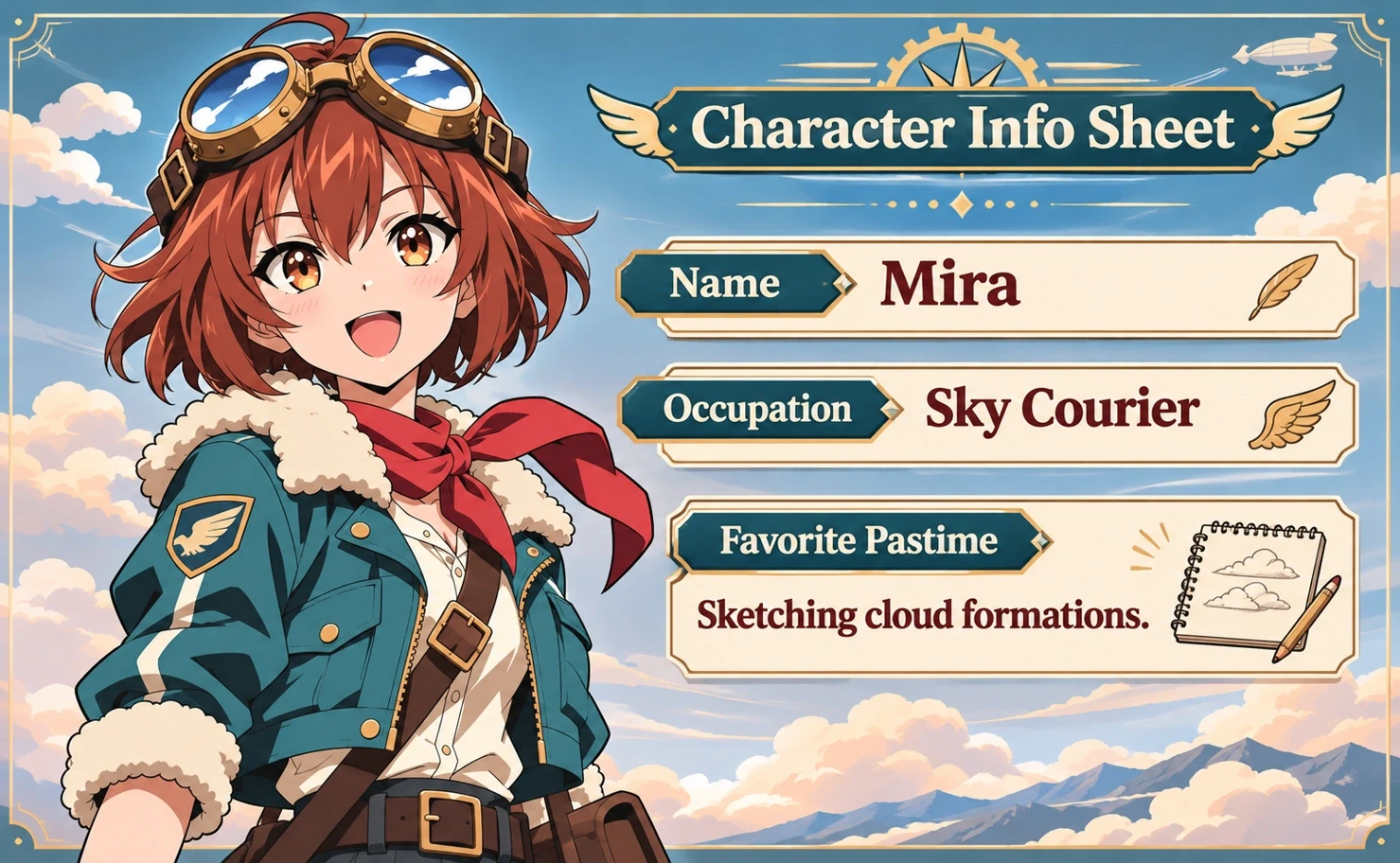
Mira’s goggles and flight jacket carry through from the original artwork. Her profile gives those design details context with a name, a role, and a favorite pastime.

Give Your Fantasy Character a Profile
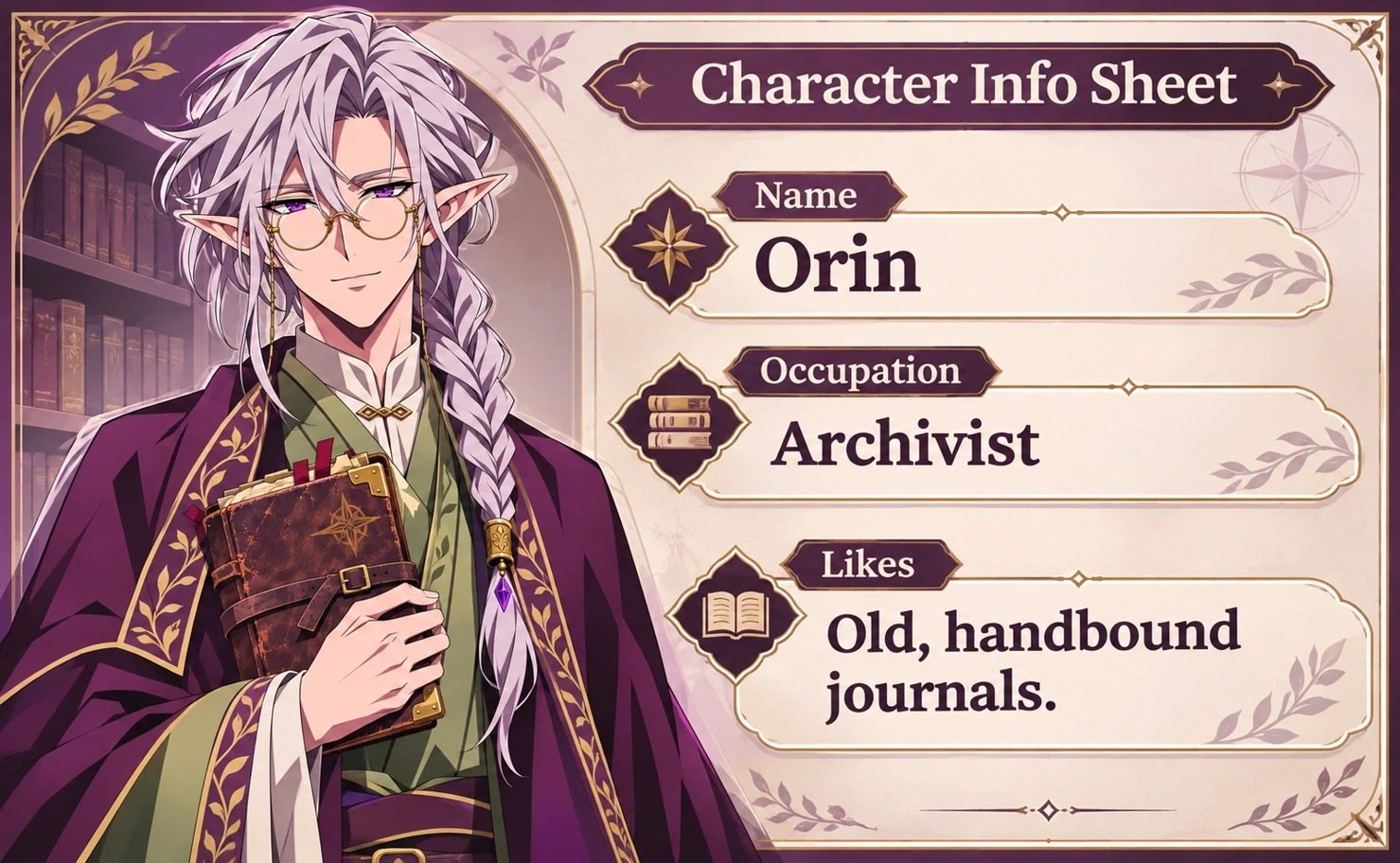
Orin’s spectacles and layered robes set the look. A few details about his work as an archivist and his love of old journals introduce his place in the story.

Introduce a Character From Your Story
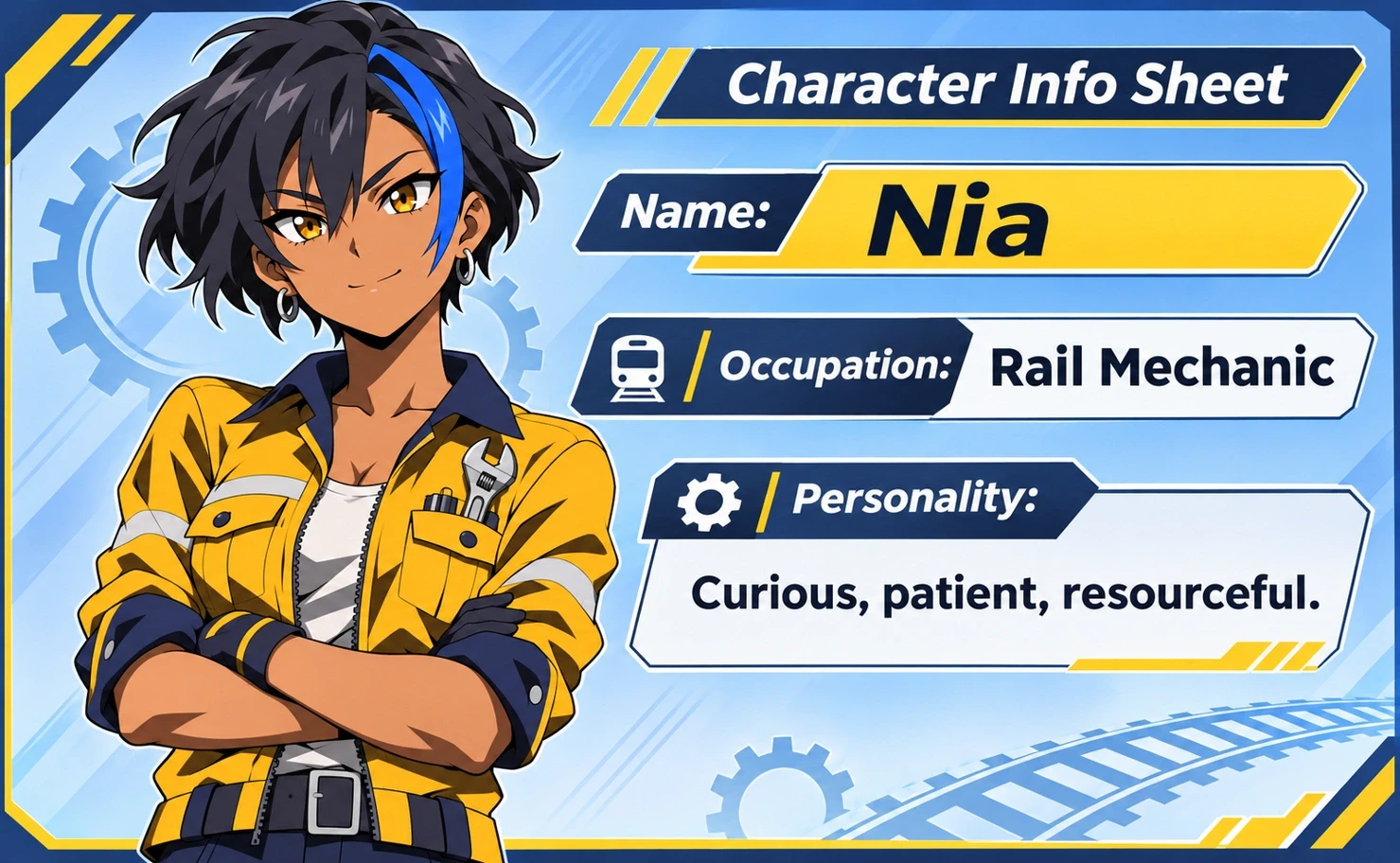
Nia’s blue hair streak and work jacket make her recognizable. The sheet adds her job as a rail mechanic and a few traits that help readers remember her.

Where to Use Your Character Info Sheet
Share Your OC With a Community
Post your sheet when introducing your OC in a fandom, roleplay group, or art community. People can see the design and get enough context to start a conversation.
Keep a Visual Cast Reference
Pair each character’s look with their role and a few defining traits. Keep the sheets with your comic, novel, or worldbuilding notes as a quick cast reference.
Brief an Artist or Collaborator
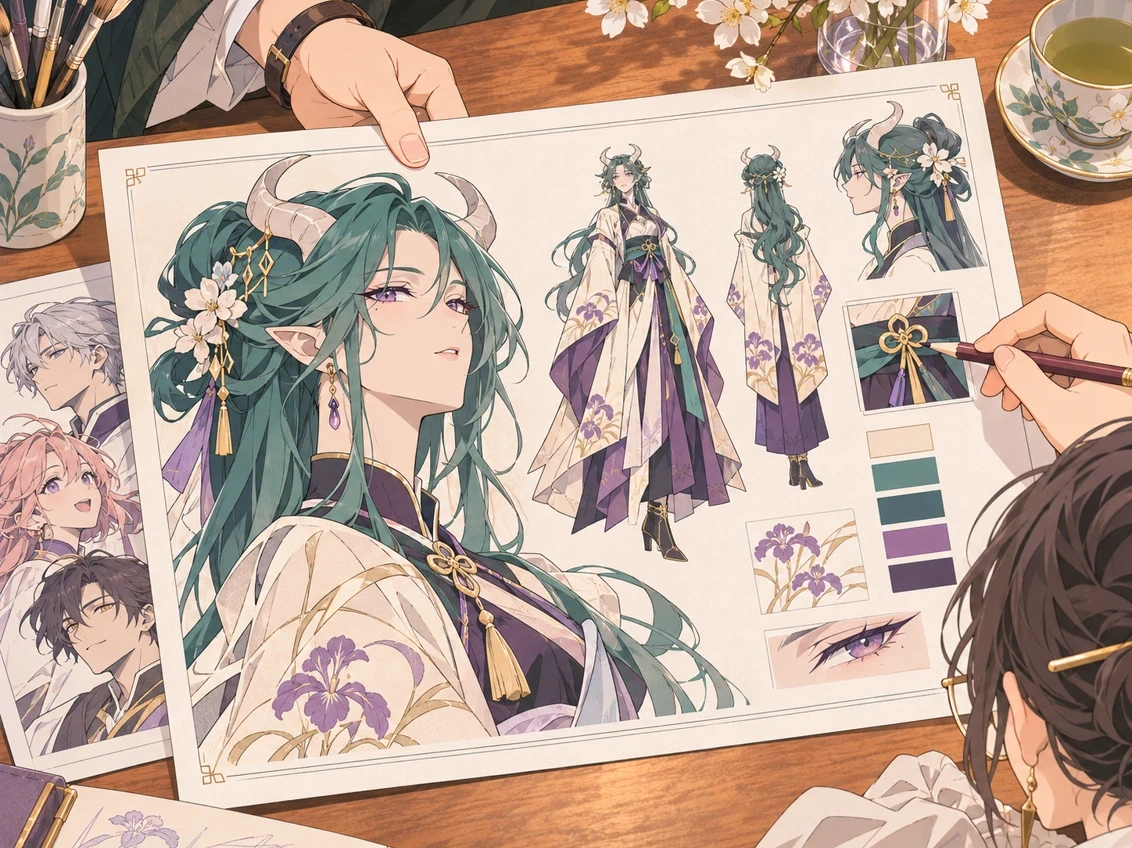
Share the artwork alongside the details that shape how your OC should come across. It gives your collaborator a clear reference for both the look and the personality.
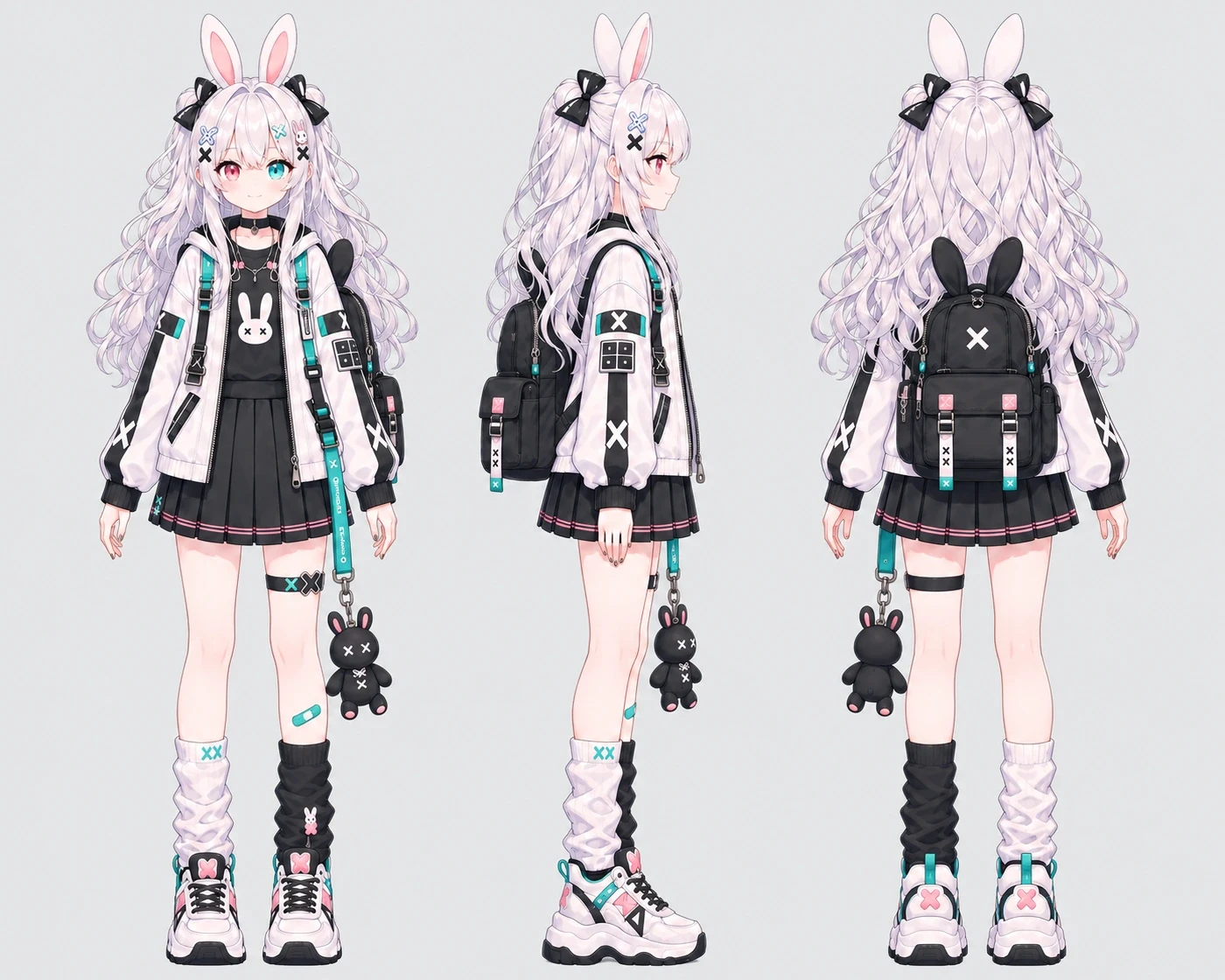
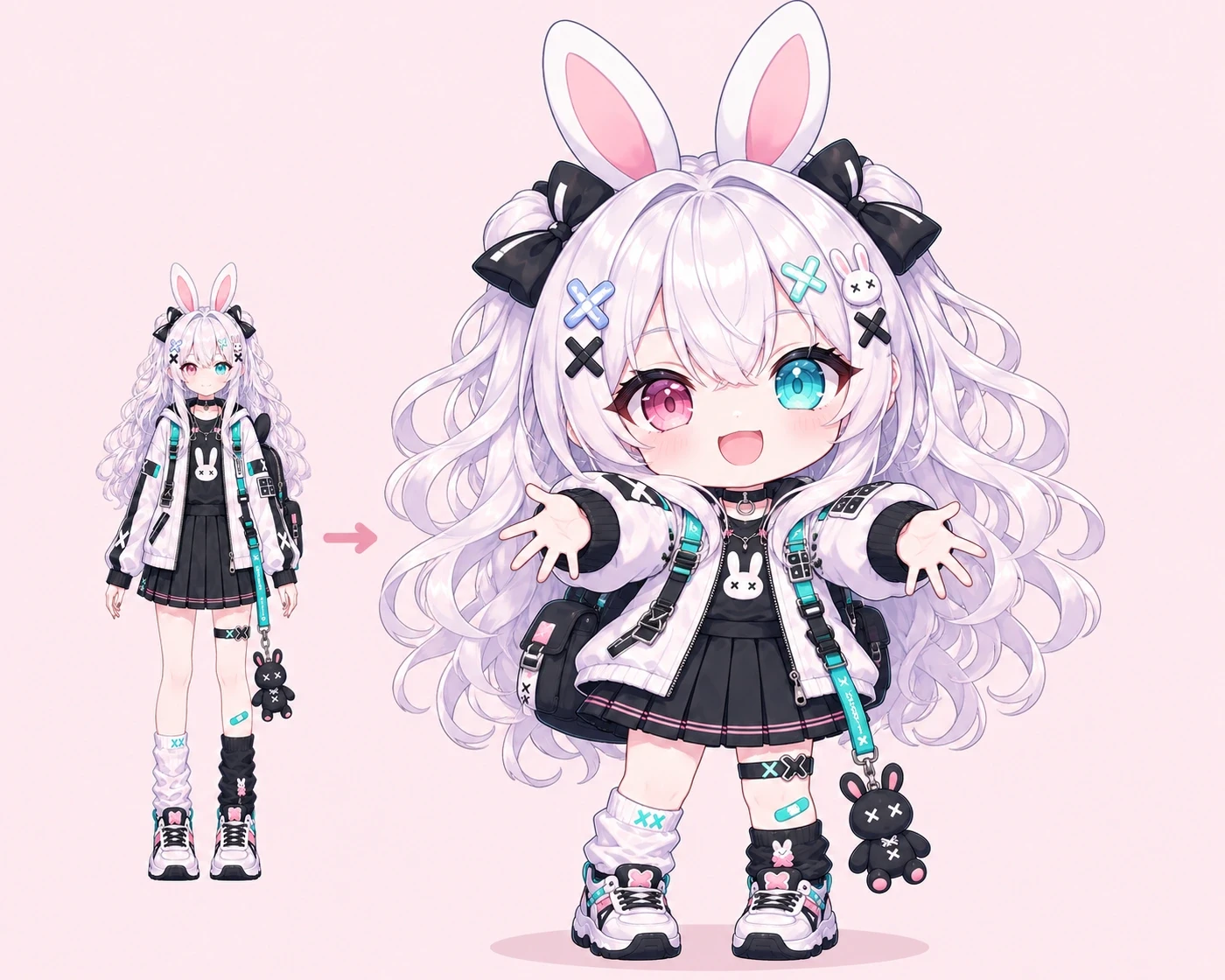
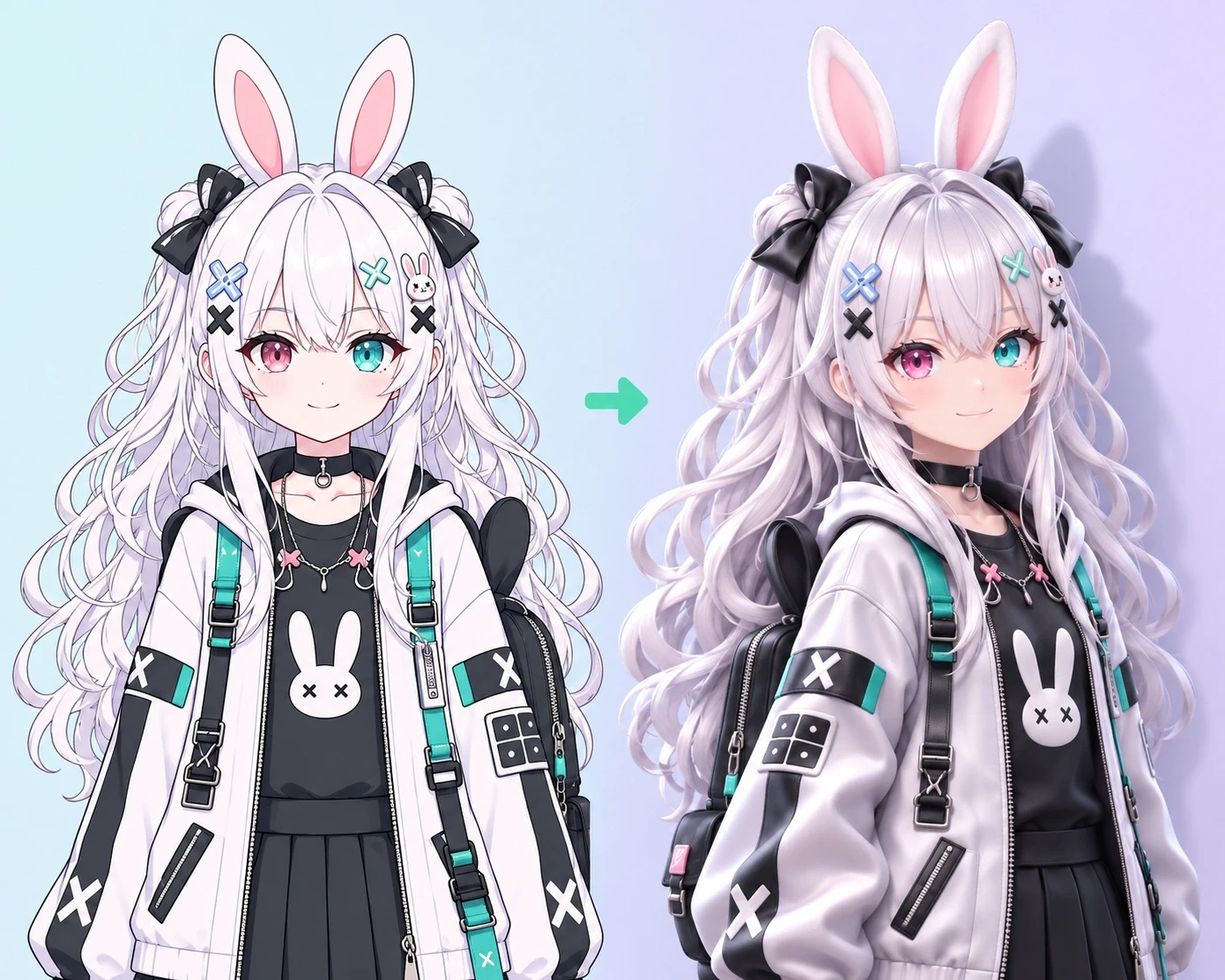
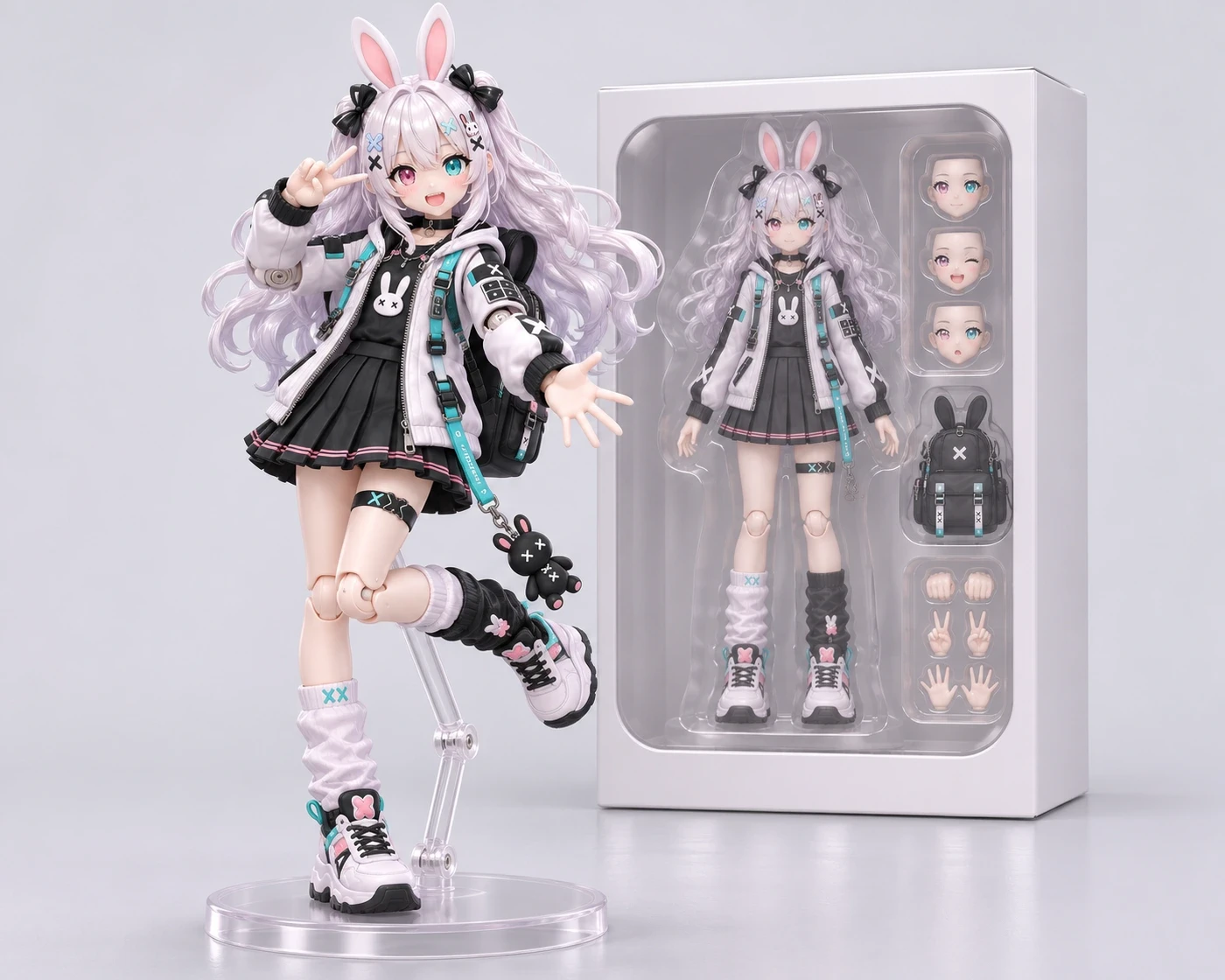
More Effects for Your Character
Character Info Sheet FAQ
What to prepare, what to include, and what you’ll get back.